
Category
Description
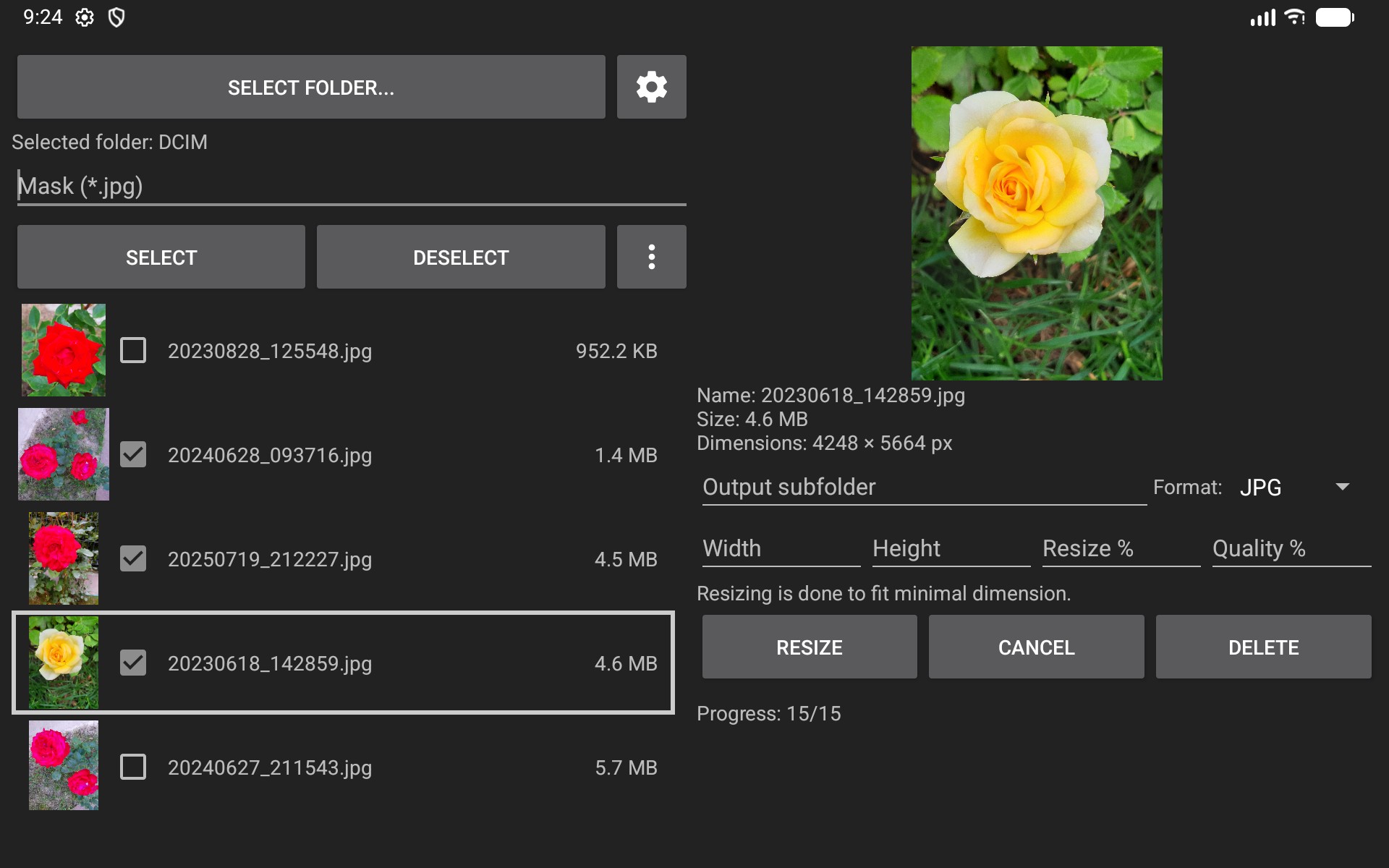
Photo Resizer lets you resize, fit, crop, and convert photos completely offline. Resize a single image or a batch of photos by width, height, or percentage; adjust image quality; fit images onto a background of any size and color; and save the results in your preferred format and subfolder. Everything works without uploading files to the internet, so your photos remain private on your device. The app also supports flipping, rotating, annotating, drawing, measuring, and masking personal information.
FEATURES
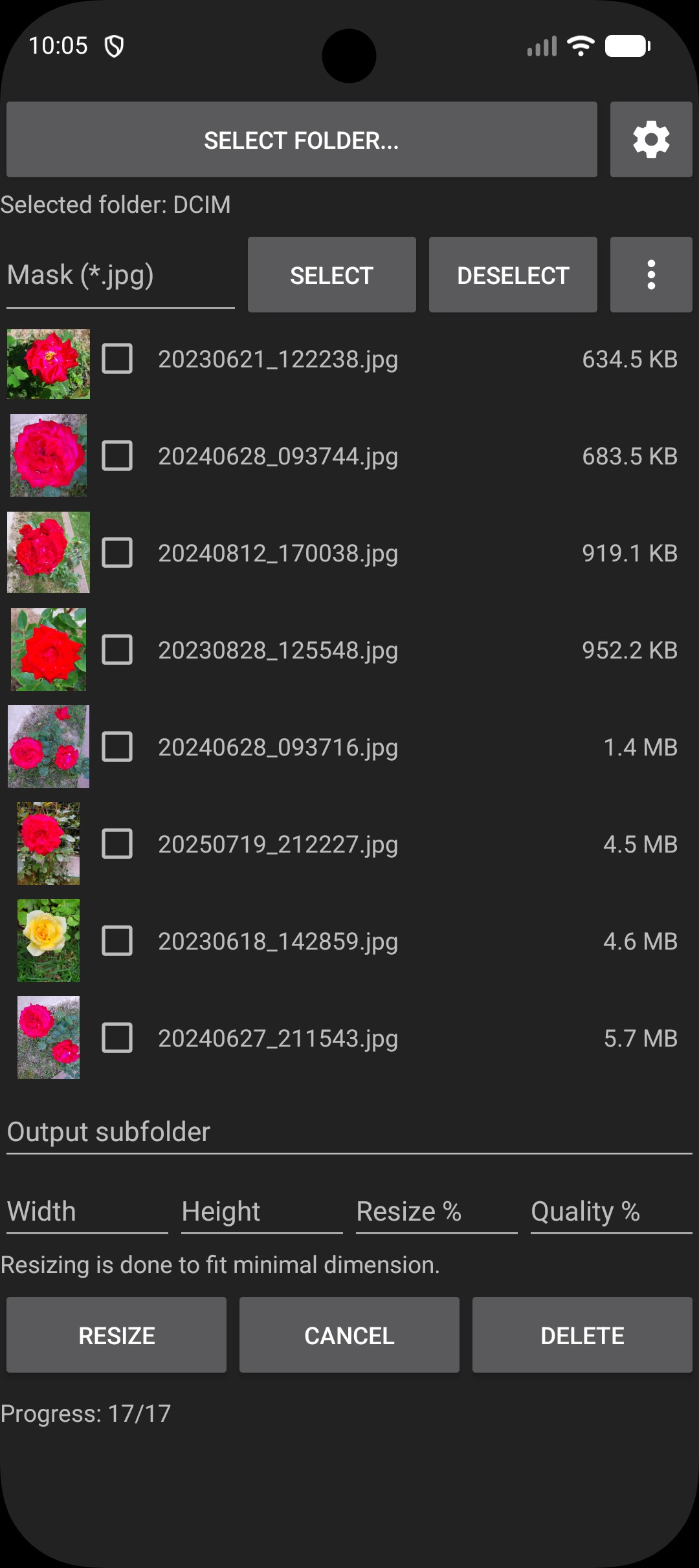
• Supports the Android Storage Access Framework (SAF), allowing you to select folders containing images using the standard Android interface. Typical folders include your phone's or SD card's DCIM, DCIM/Camera, or DCIM/Screenshots, depending on where your photos and images are stored.
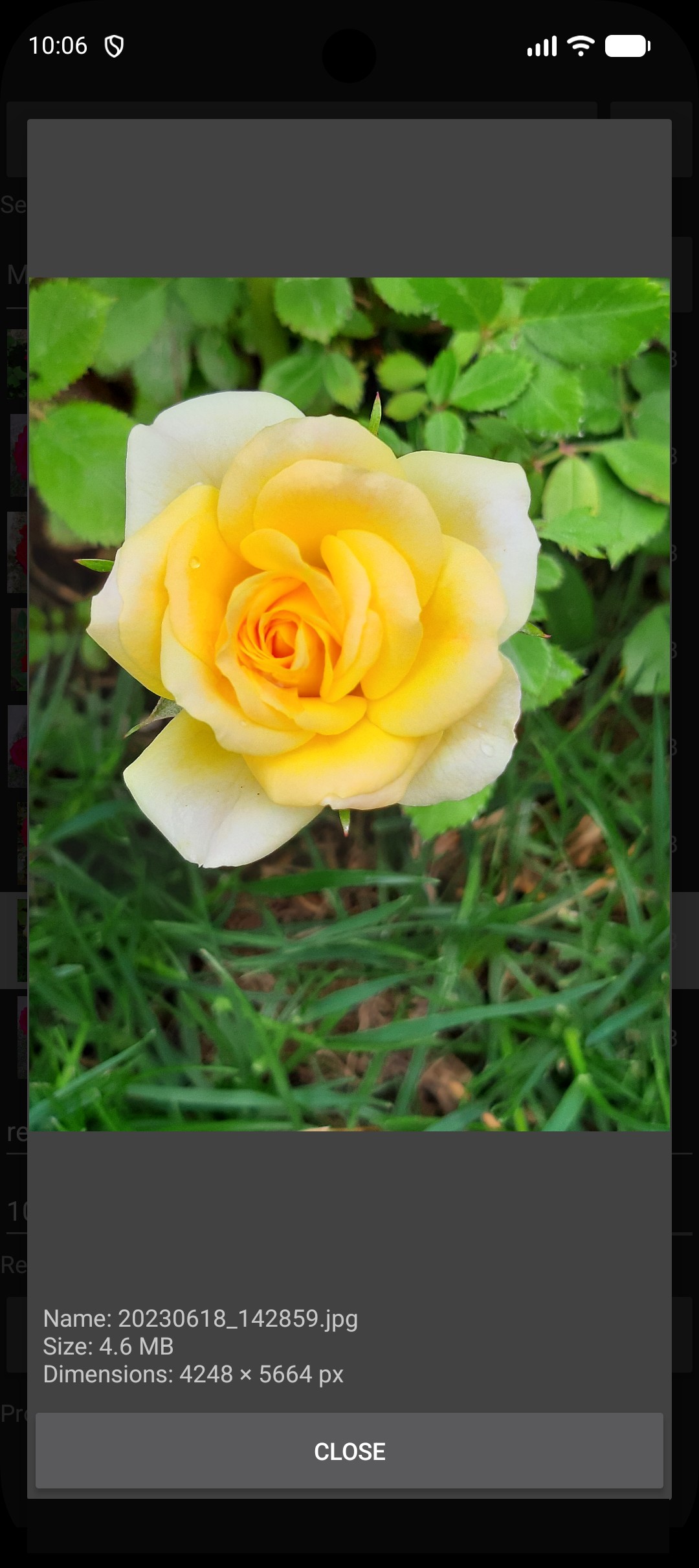
• Preview and open JPG/JPEG, PNG, WEBP, GIF, Windows bitmap (BMP), HEIC/HEIF, AVIF/AVIFS, JPEG XL (JXL), TIFF, icon (ICO, SVG, SVGZ), PBM, PGM, PPM, PAM, PSD (flattened), HDR, EXR, TGA, PIC, QOI, JPEG 2000 (J2C, JP2, J2K), RAW camera (CR3, CR2, ARW, NEF, RAF, ORF, RW2, DNG, PEF, SRW, RAW, 3FR, CRW, DCR, KDC, MDC, MEF, MOS, MRW, NRW, PPM, RWL, SR2, SRF), texture (KTX2, KTX, BASIS, DDS) images.
• Select multiple photos and perform batch resizing, fitting, file format conversion, or rename in a single operation.
• All image processing and conversion are performed entirely on your device without sending files anywhere.
• Choose the desired output format for saved images: JPG, PNG, WEBP, PDF, JPEG XL (JXL), TIFF, ICO, or keep the same format as the original images.
• Optionally specify a subfolder where output files will be stored, keeping them separate from the original files.
• Resize photos proportionally by specifying either the width or height in pixels.
• Resize photos by a specified percentage.
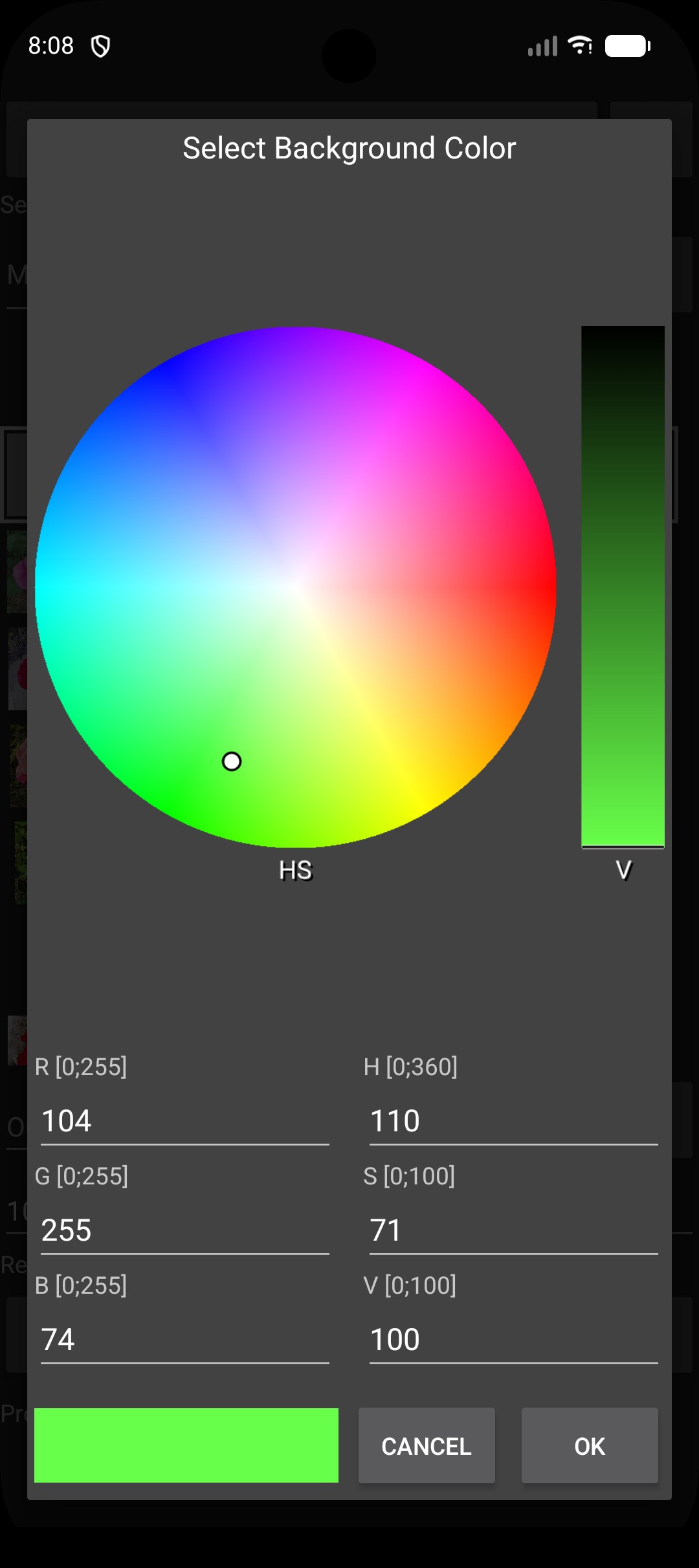
• Fit photos to specified dimensions (width and height in pixels) and fill the surrounding area with a selected background color. Colors can be selected by entering RGB or HSV values, choosing from a palette, or using the list of recently used colors.
• Set JPEG output quality as a percentage (for example, 85 for standard quality; lower values produce smaller files) or Optimize JPEG file to desired target size in KB or MB.
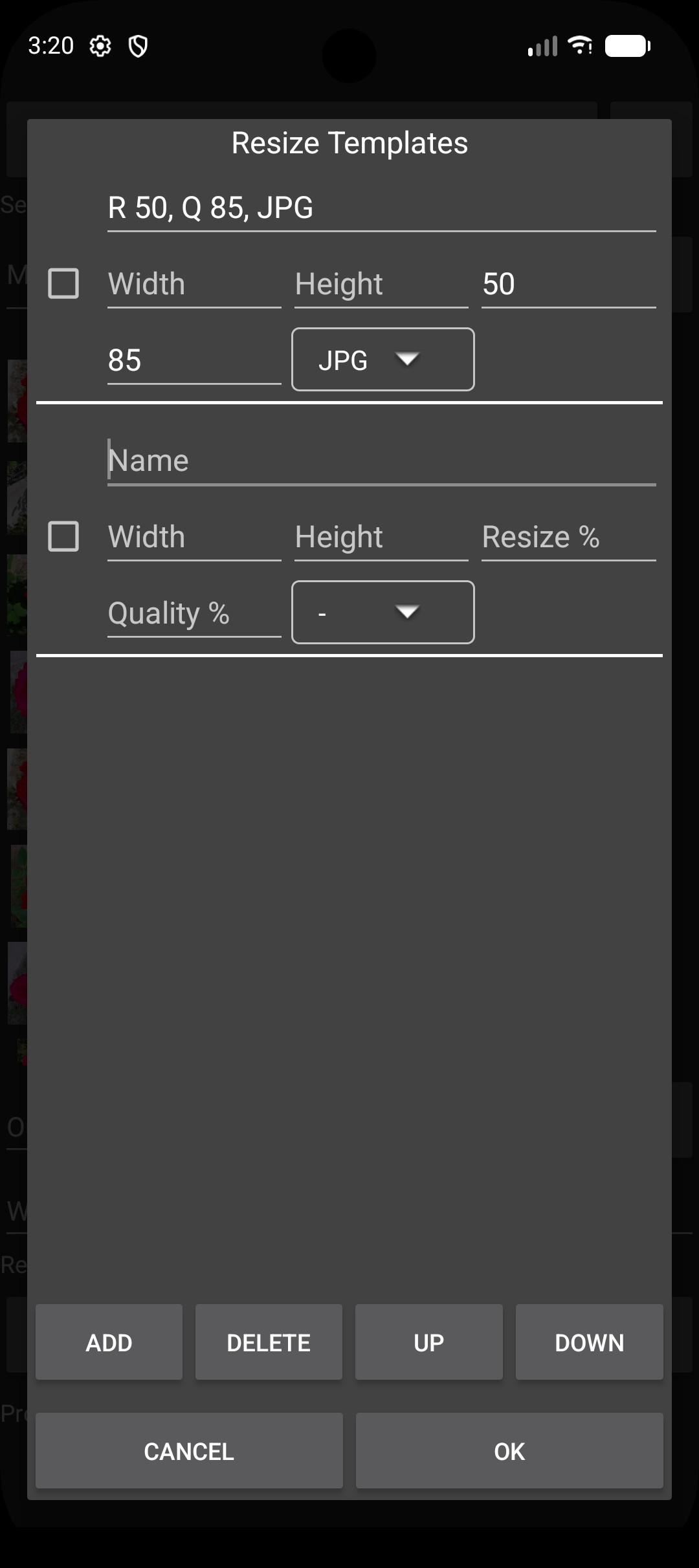
• Create templates with your preferred resize and fit settings for social media, e-mail or other purposes, and reuse them later.
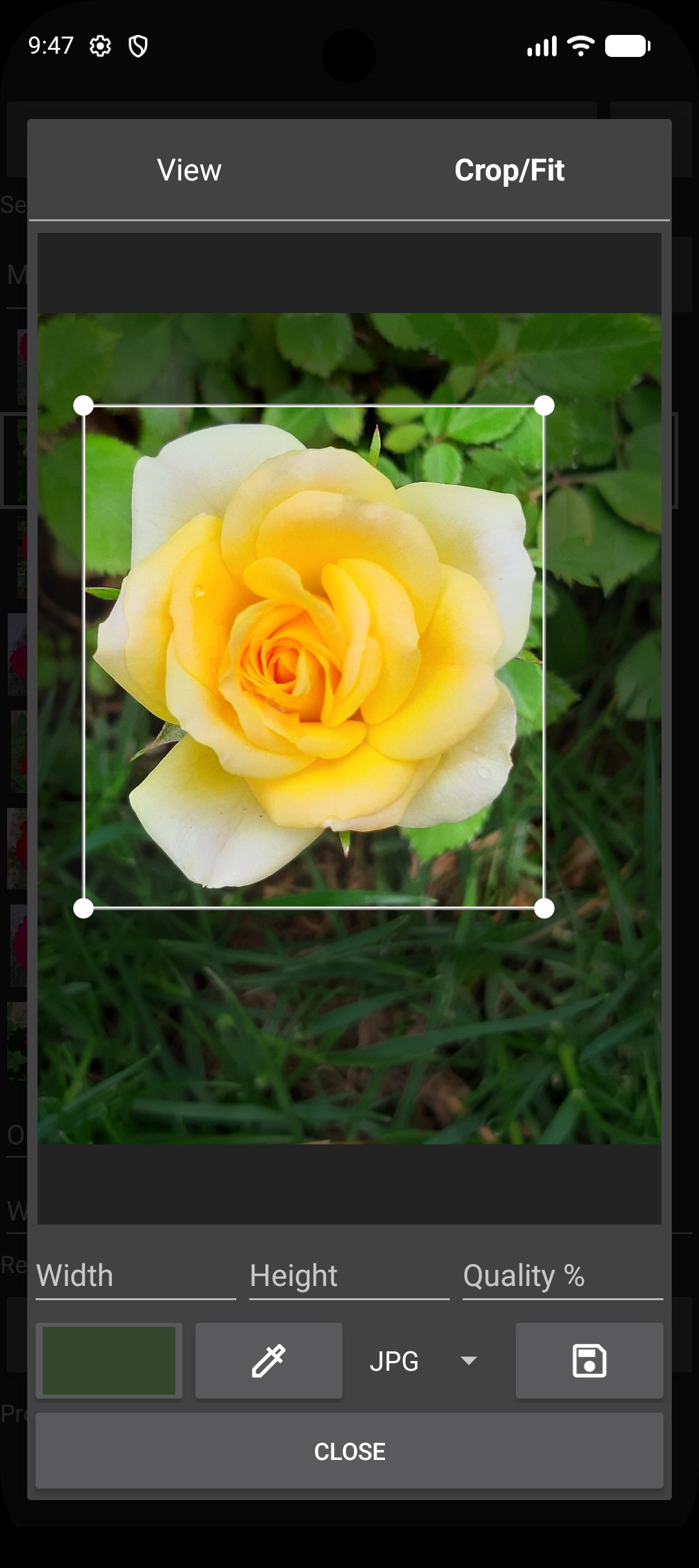
• Crop photos with a preview, then either save the cropped area or fit it to a specified image size. The background color can be selected using a color picker or palette.
• Flip photos horizontally or vertically, and rotate them by 90°, 180°, or 270° degrees.
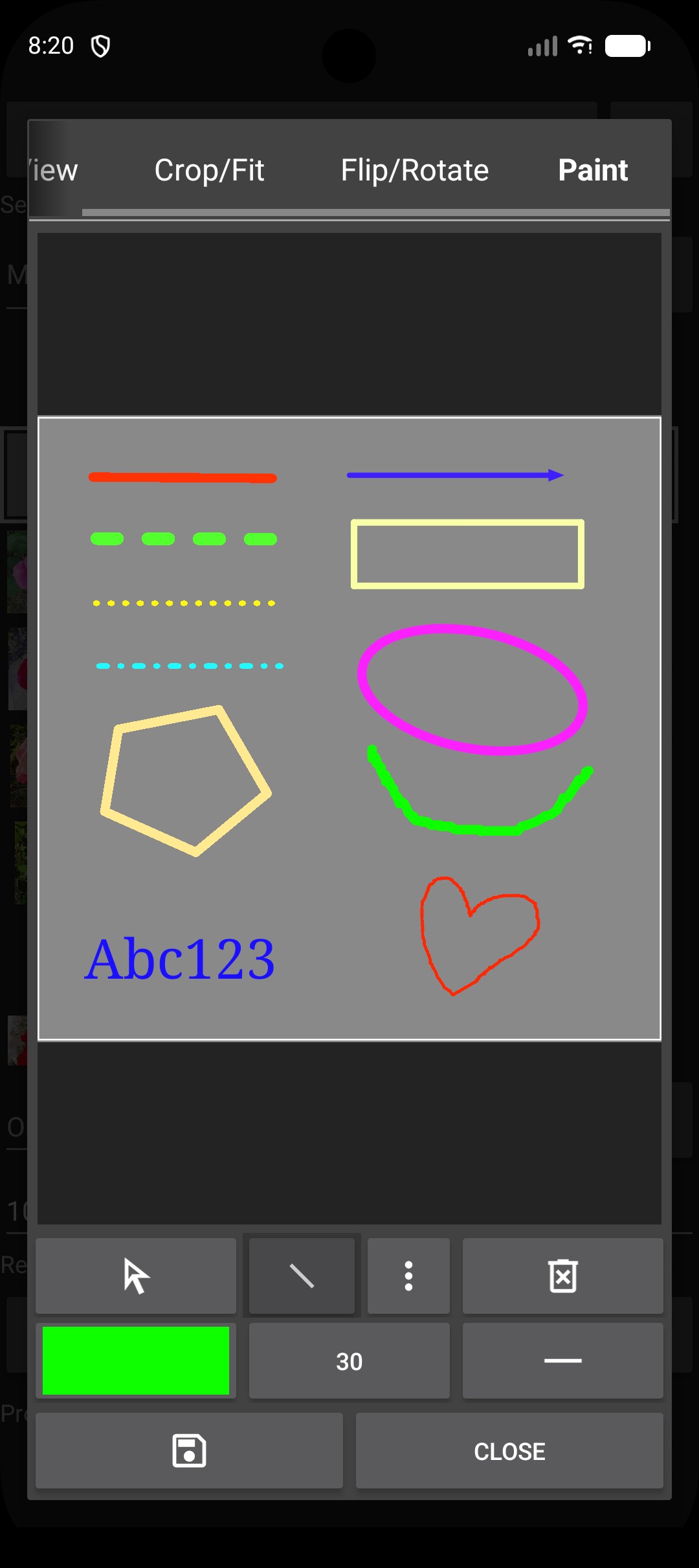
• Annotate images by adding text, drawing lines, arrows, shapes, and markers with adjustable thickness, style, and color.
• Measure distances, perimeters, or areas in a photo when a known physical reference is present. Measurements are calibrated using that reference.
• Anonymize (blur or pixelate) faces, license plates, and other personal information before sharing photos.
• ZIP compress, share or delete selected files.
• Optionally select or deselect multiple files using filename masks.
• Display the file list as text only or as text with thumbnail images.
• Sort files using your preferred criteria.
• Choose your preferred PDF output size, margins, image positioning/alignment, and DPI.
• Choose your preferred measurement units.
• Select your preferred user interface language regardless of the system language.
• Select user interface theme.
Notes: Opening HEIC/HEIF and AVIF/AVIFS images requires a device running Android 12 or later.