

Description
PDF Converter Word to PDF
About this app
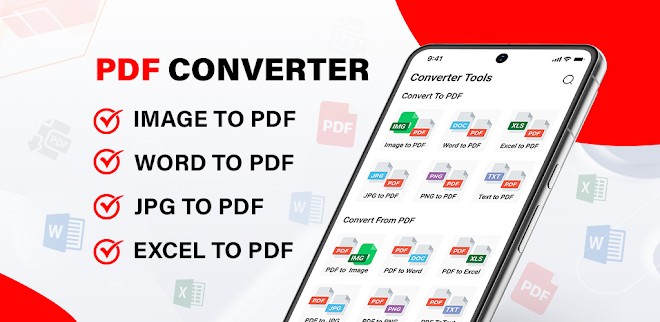
PDF Converter Word to PDF is an easy-to-use all-in-one file converter app. It helps you quickly convert Word files, photos, images, text, and documents into PDF. The app is designed to make everyday document work simple, fast, and stress-free.
You don’t need multiple apps anymore. This single app gives you 12 useful tools to handle almost all PDF and file conversion tasks. It works smoothly and delivers high-quality results every time.
Key Features
-
Offline Conversion – Convert files anytime, even without internet
-
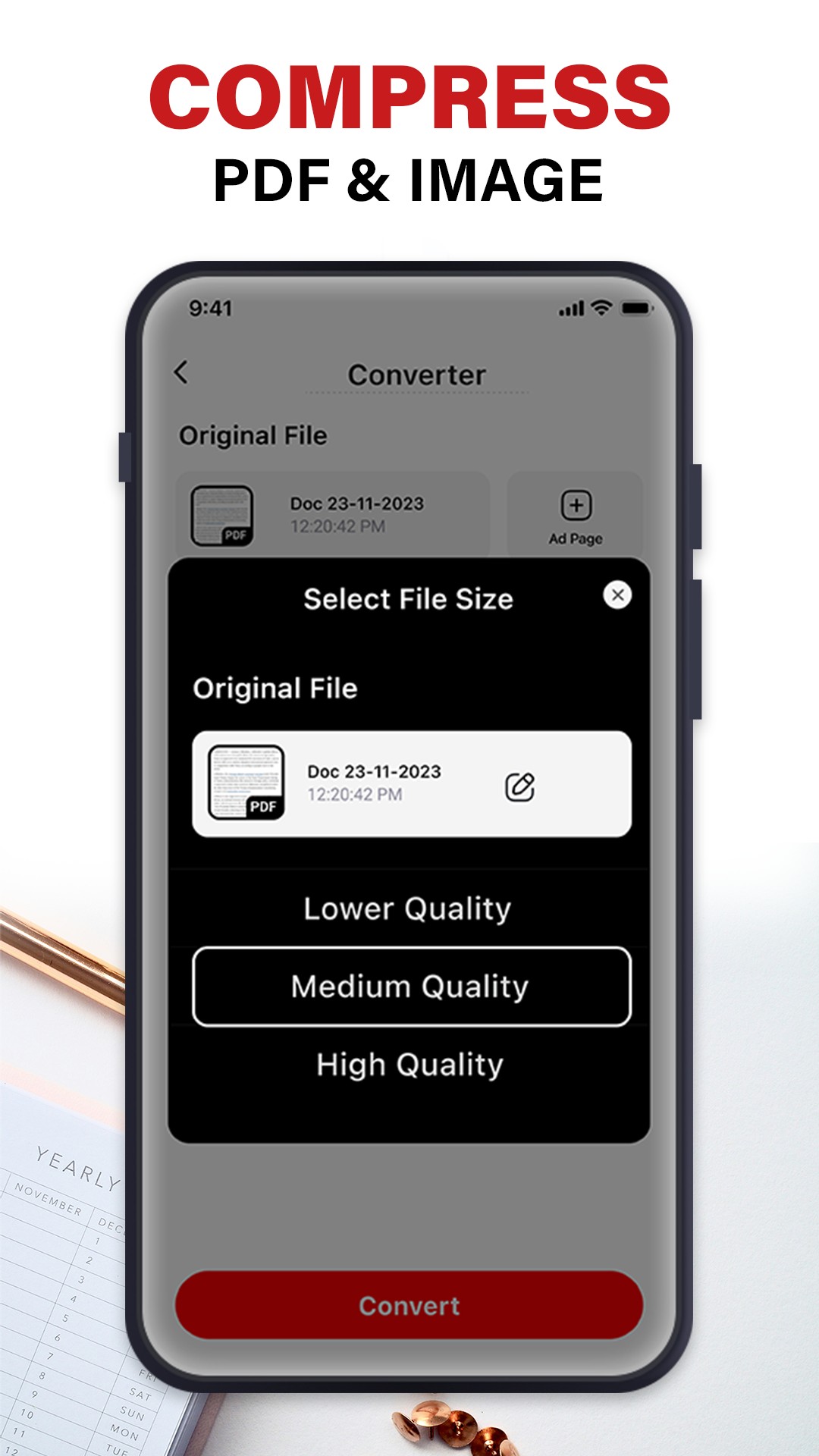
PDF Compression – Reduce PDF file size by choosing your preferred quality
-
High-Quality Output – Clean and professional results
-
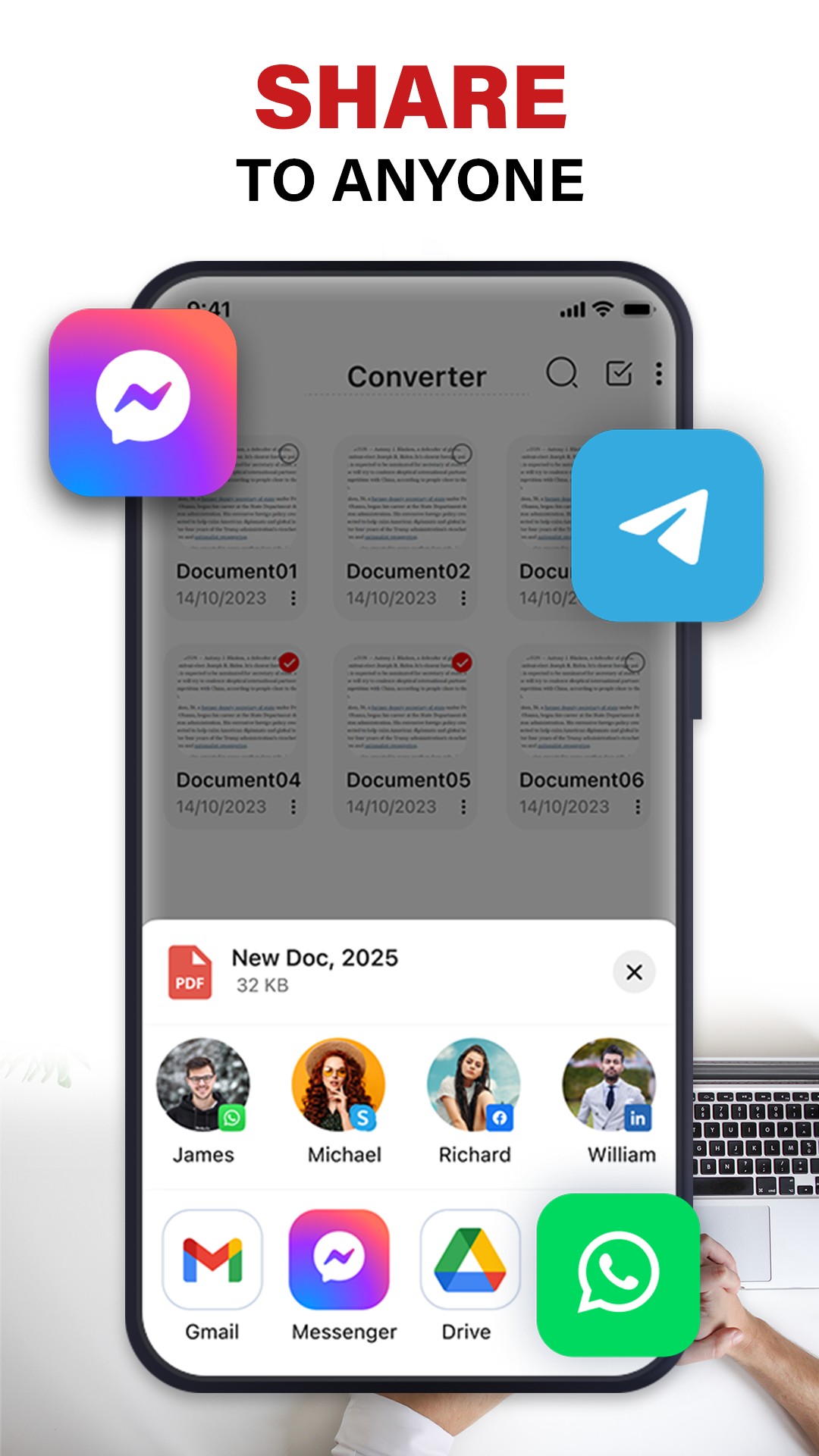
Easy Sharing – Share, save, or print files in one tap
-
Simple Interface – Easy for beginners and advanced users
Main Tools Explained
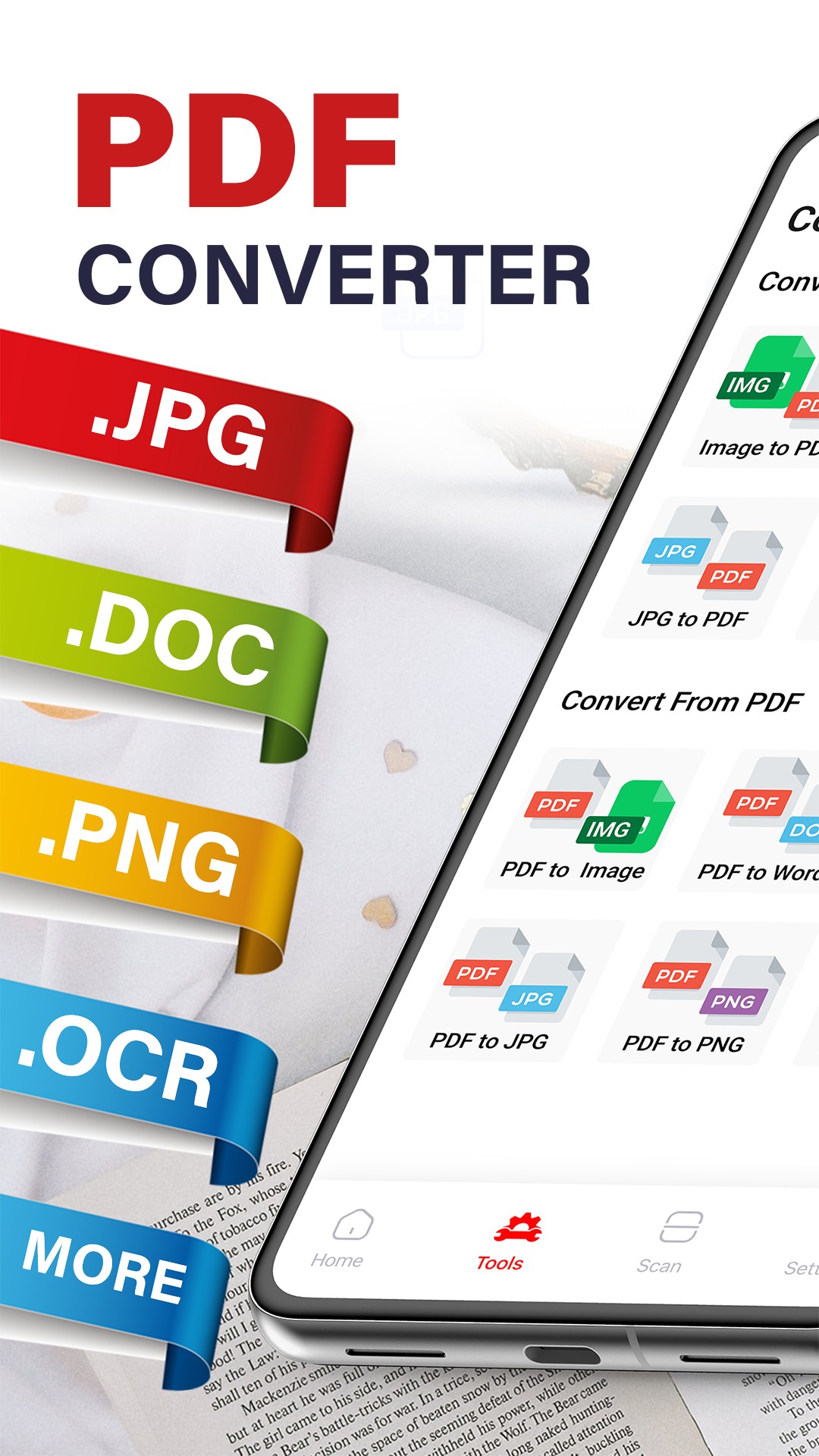
PDF to Word
Convert PDF files into editable Word documents. Useful when you don’t have the original Word file and need to make quick edits.
Photo to PDF
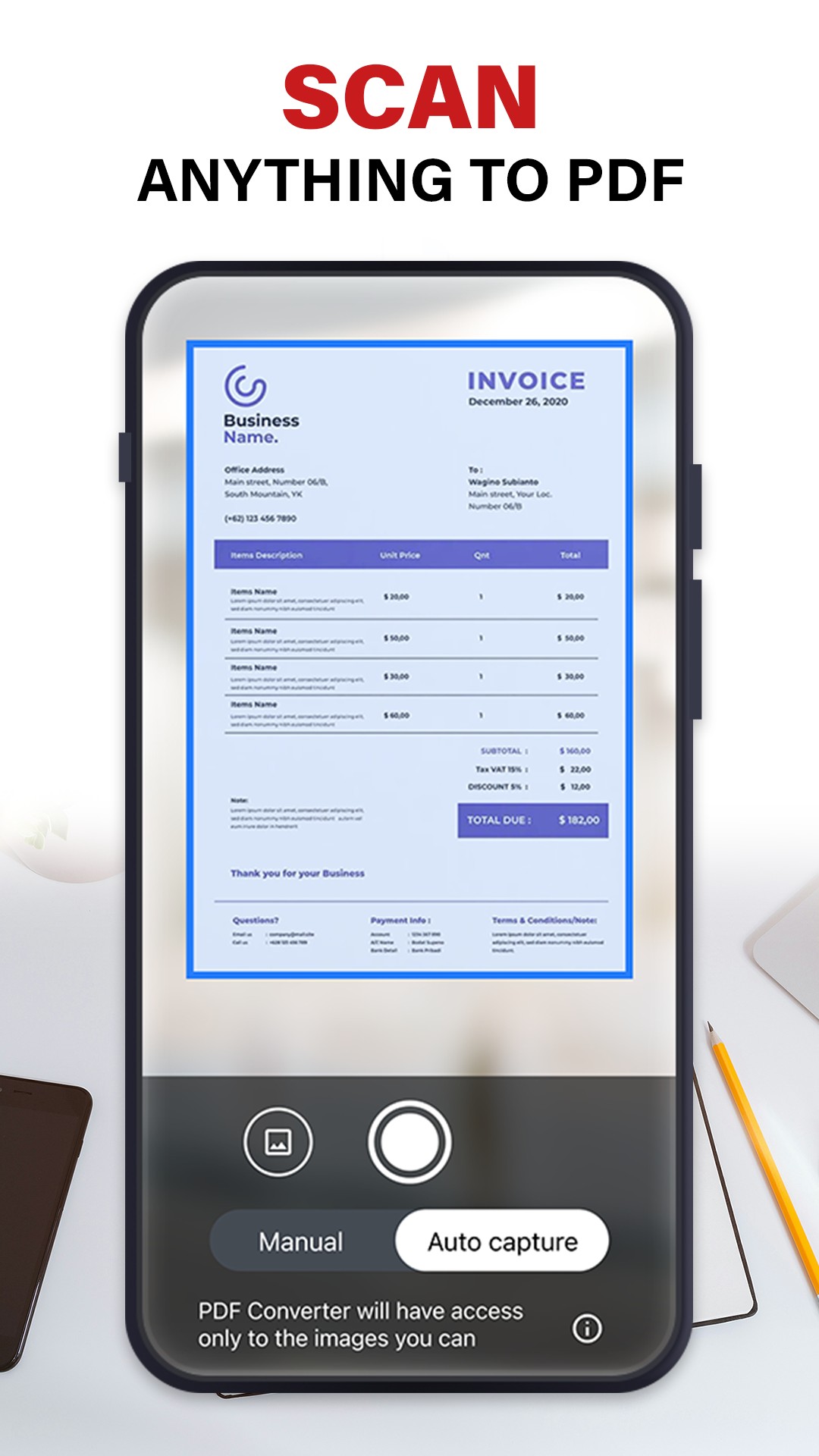
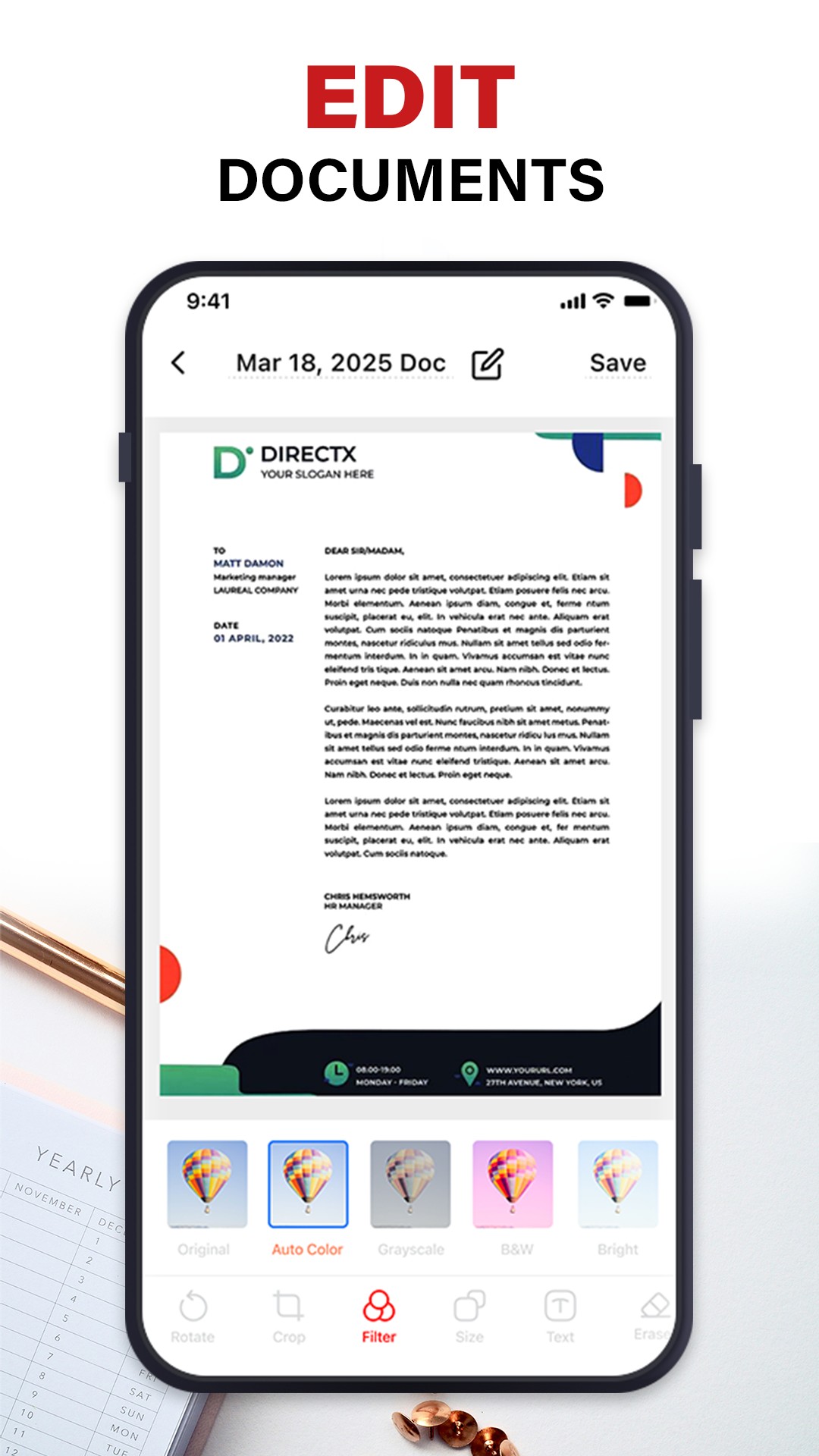
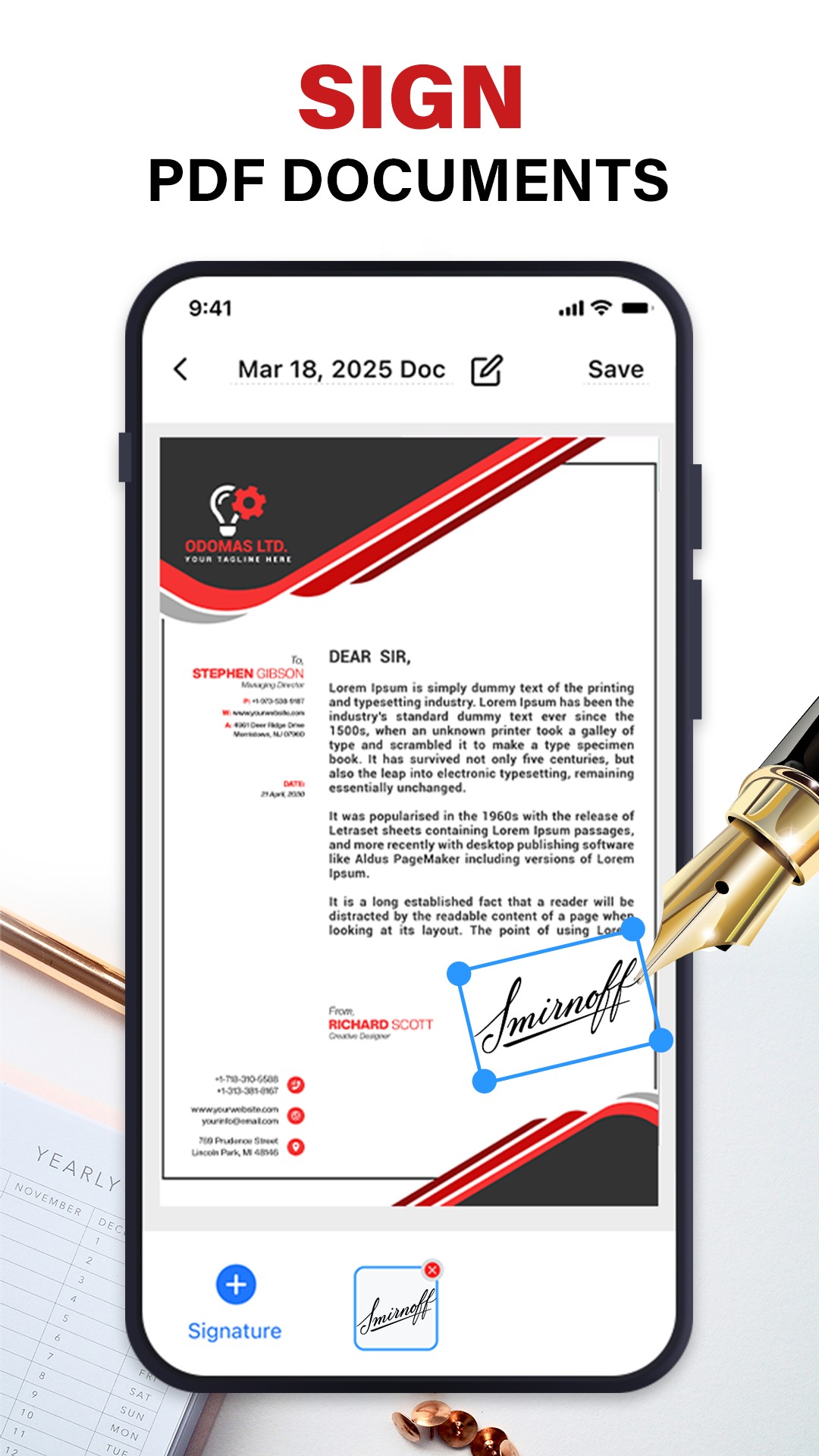
Select photos from your gallery or scan documents using the camera. Turn images into PDFs in seconds. You can edit, sign, and save them easily.
PDF to Image
Convert PDF pages into JPG or PNG images. Perfect for presentations, social media, or sharing specific pages.
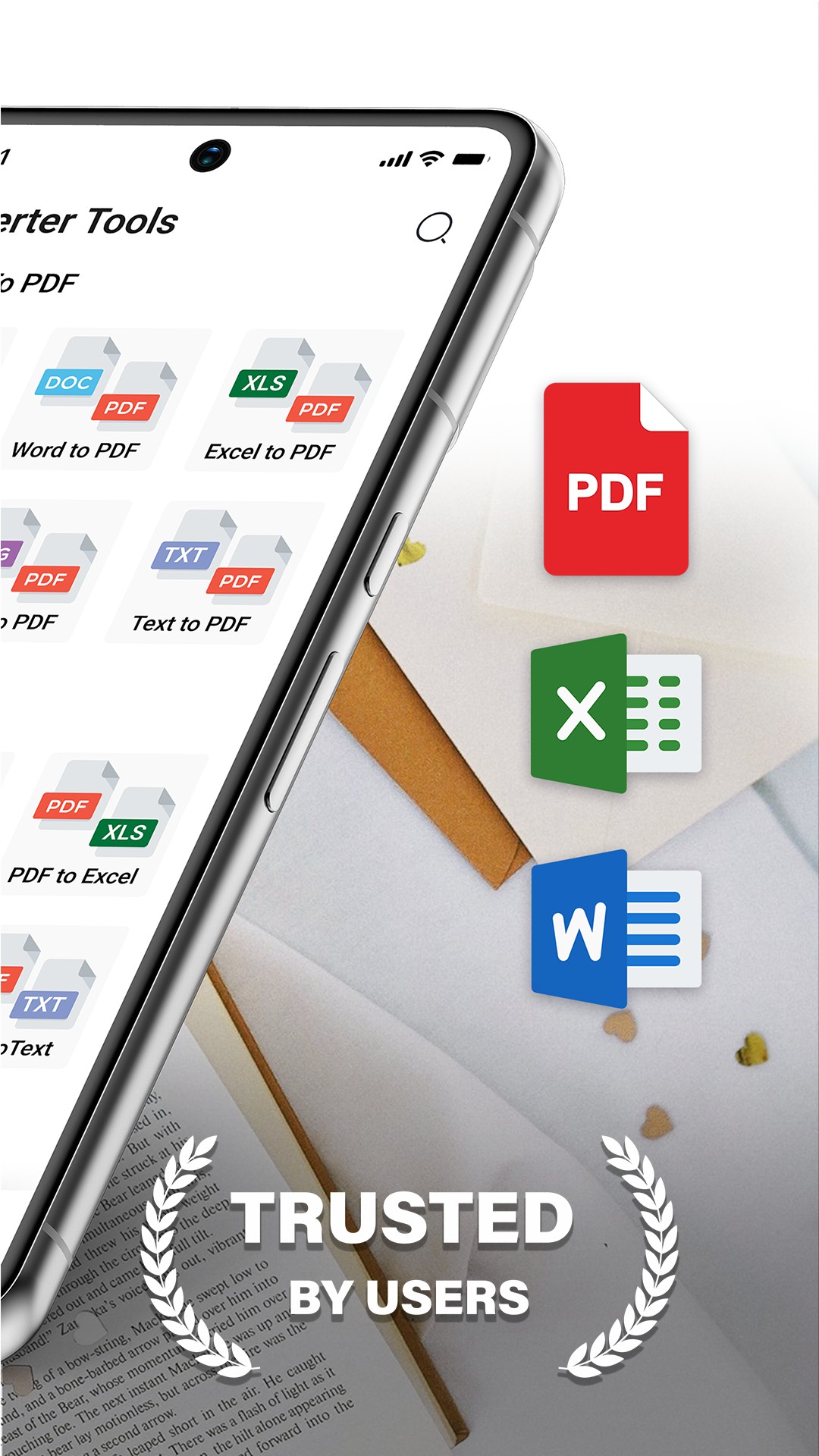
Word to PDF
Convert DOC or DOCX files into professional-looking PDFs. Ideal for CVs, business documents, assignments, and official letters.
PDF to JPG
Export full PDFs or selected pages as high-quality JPG images.
Scan Documents to PDF
Scan receipts, notes, and paperwork using your phone camera and save them as PDF files.
PDF Compressor
Choose high, medium, or low quality to reduce PDF size and save storage space.
Text to PDF
Convert text files or notes into clean and professional PDF documents.
How It Works
-
Select the tool you need
-
Upload or scan your file
-
Edit if needed and convert
-
Save or share instantly
You can also view and manage all your past conversions easily.