

Description
[+] What is this app?
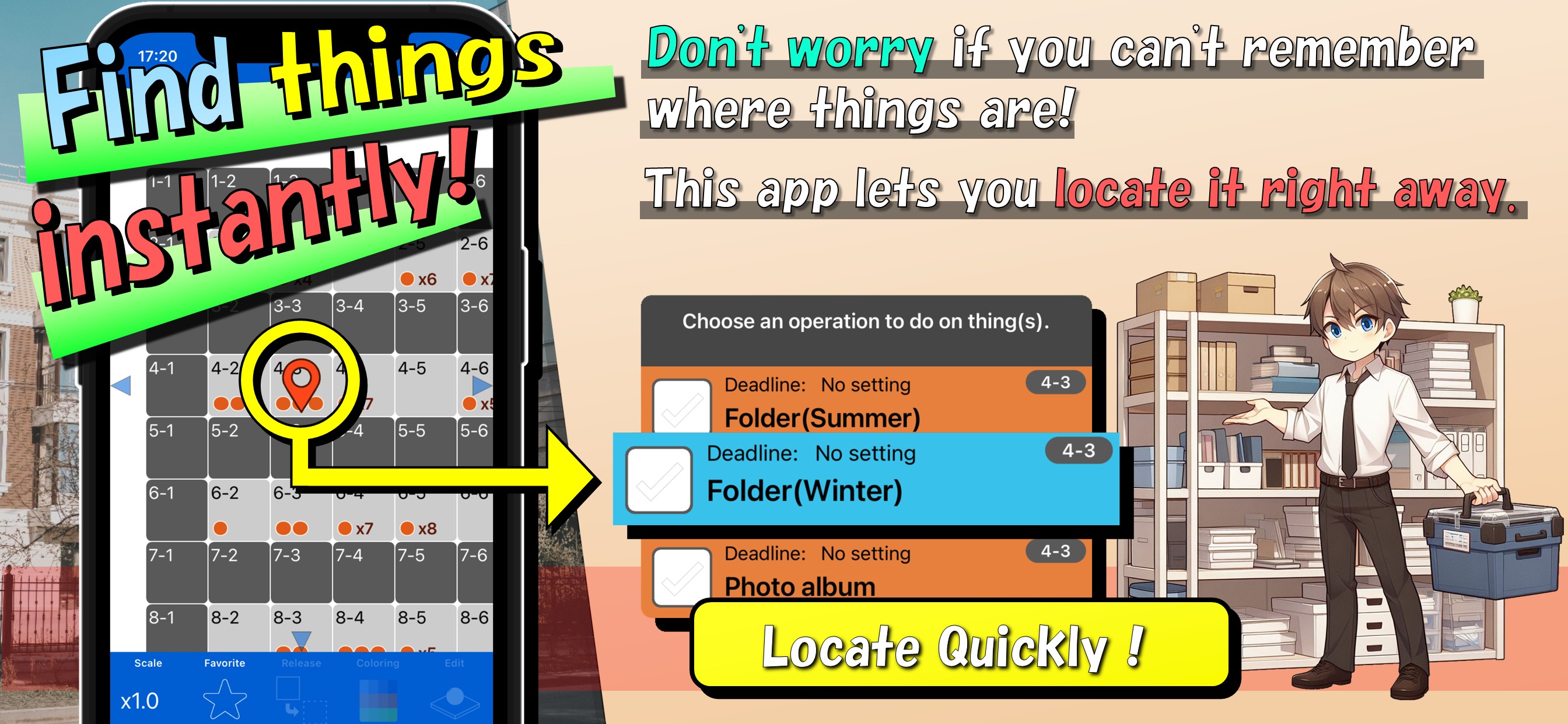
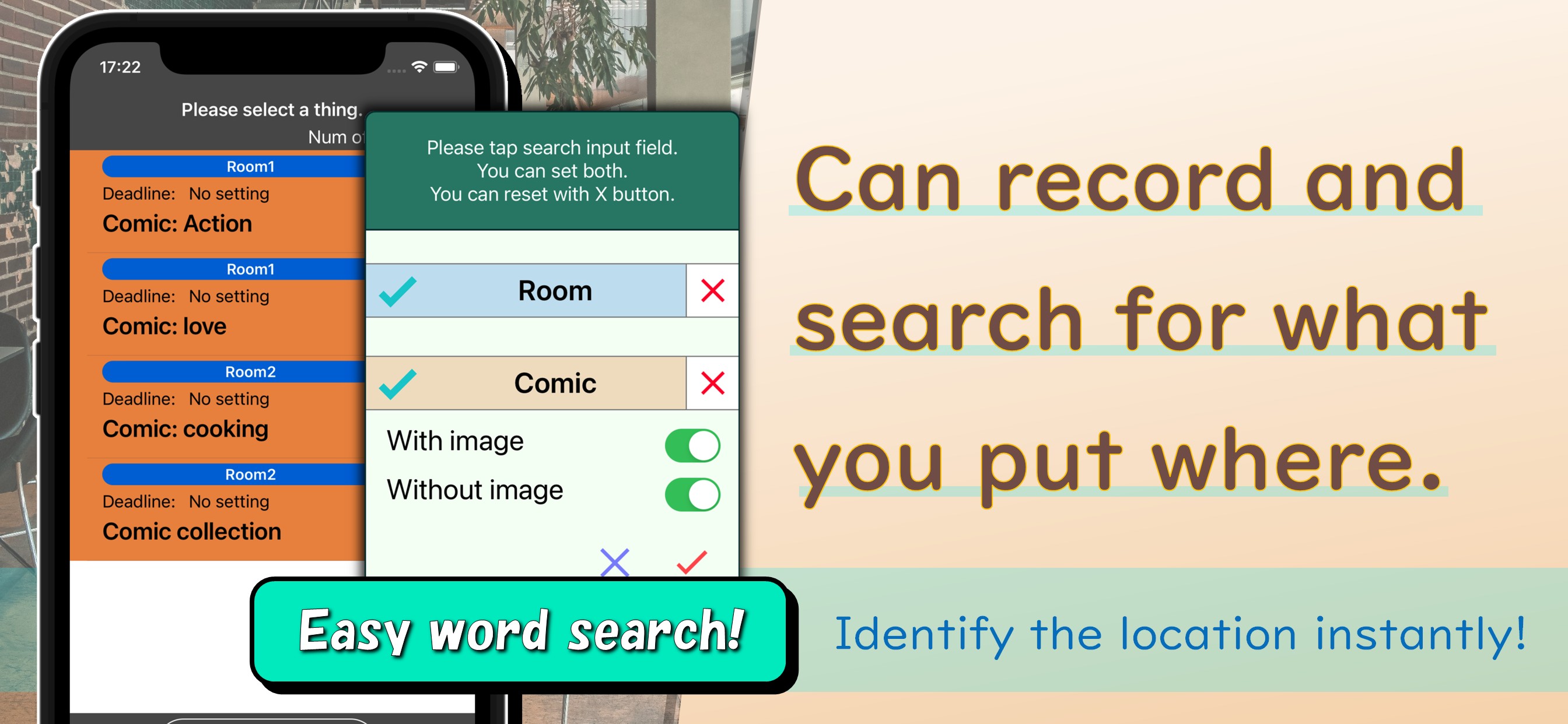
It records what you put where and allows you to quickly identify the location with the app's search function.
This eliminates the need to remember where to store things.
You can check the list of records of things in a specific location.
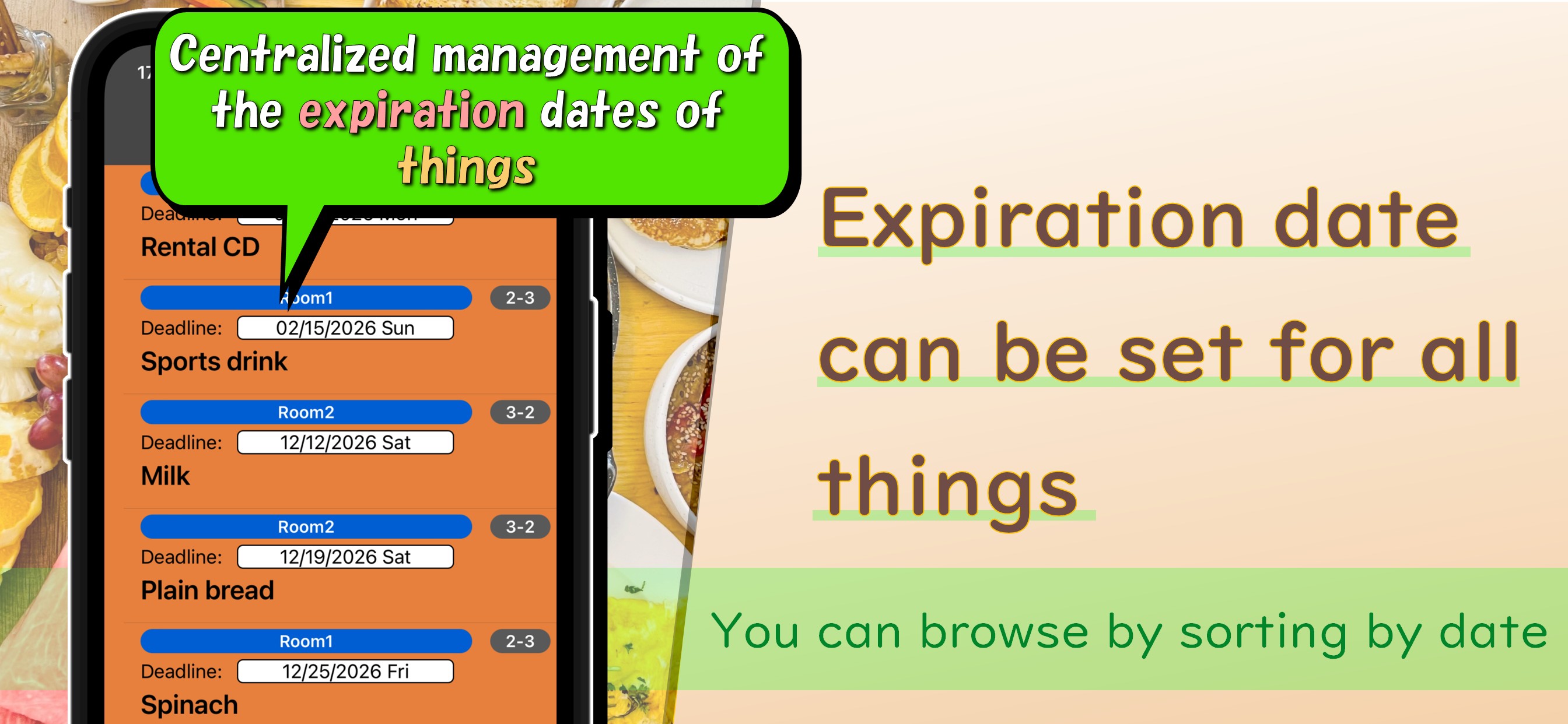
In addition, you can sort things in order of expiry date and use the notification function
to receive notifications when the expiry date is reached.
[+] Main functions
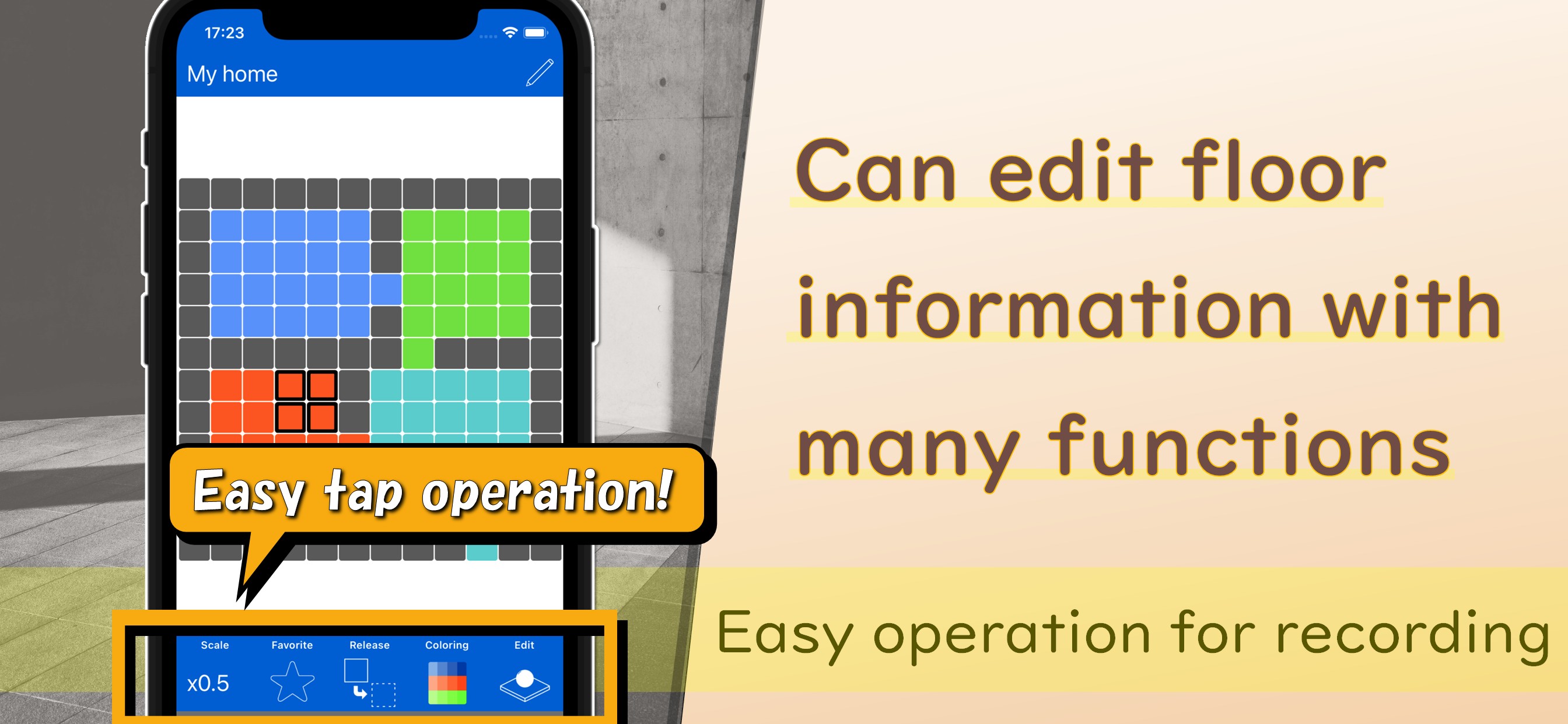
- Creating floor
You can create a data framework that visualizes your home, workplace, and warehouse as "floors",
color tiles that make up the floors, and record and manage things in a floor.
Images can be recorded on floors, allowing for visual management (some restrictions apply).
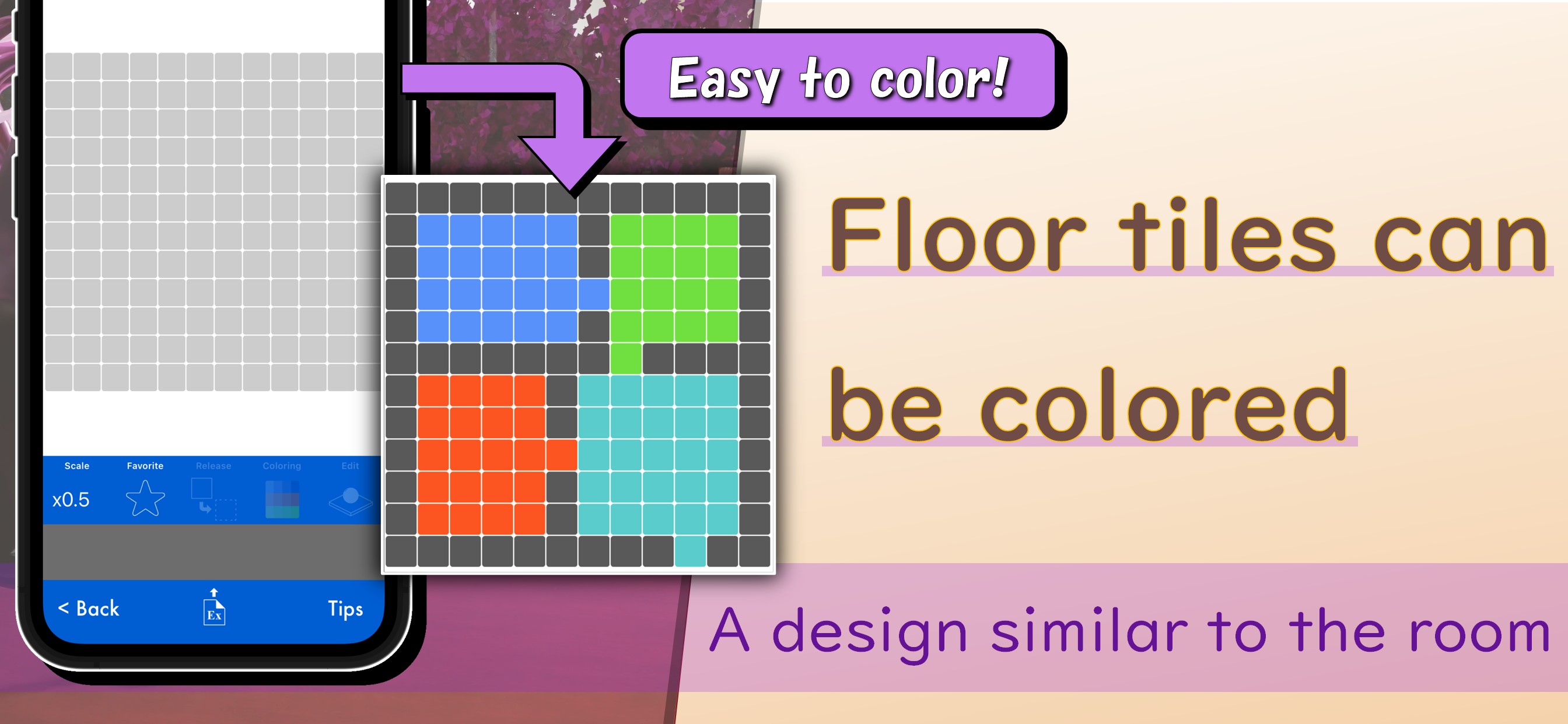
- Coloring tiles
By coloring a floor(actually the tiles that make up the floor) in a color that is close to the actual state of your room,
you can visually manage a floor.
- Managing things
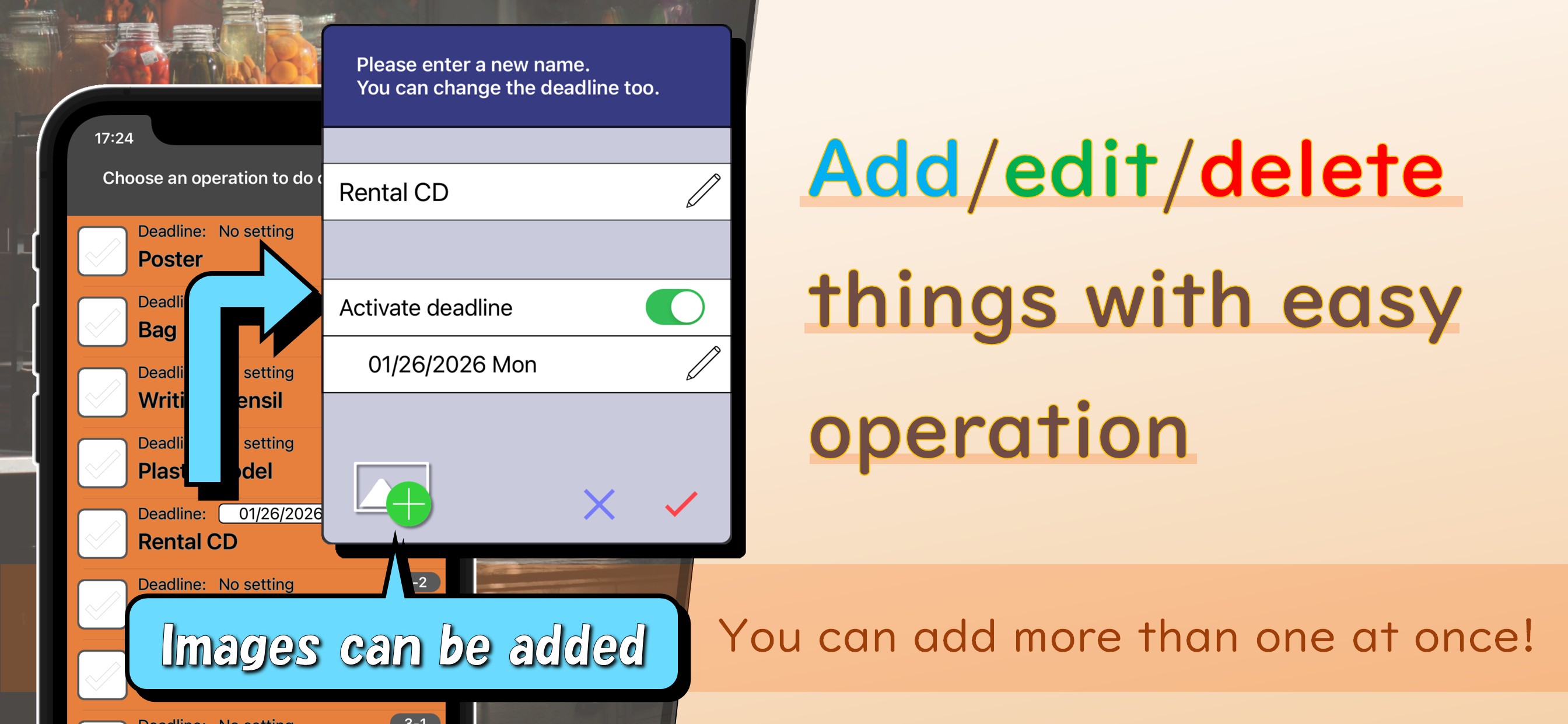
You can create things, specify locations by searching, set deadlines, and use the notification function.
You can add multiple things at once.
Images can be recorded for things, allowing you to visually management (some restrictions apply).
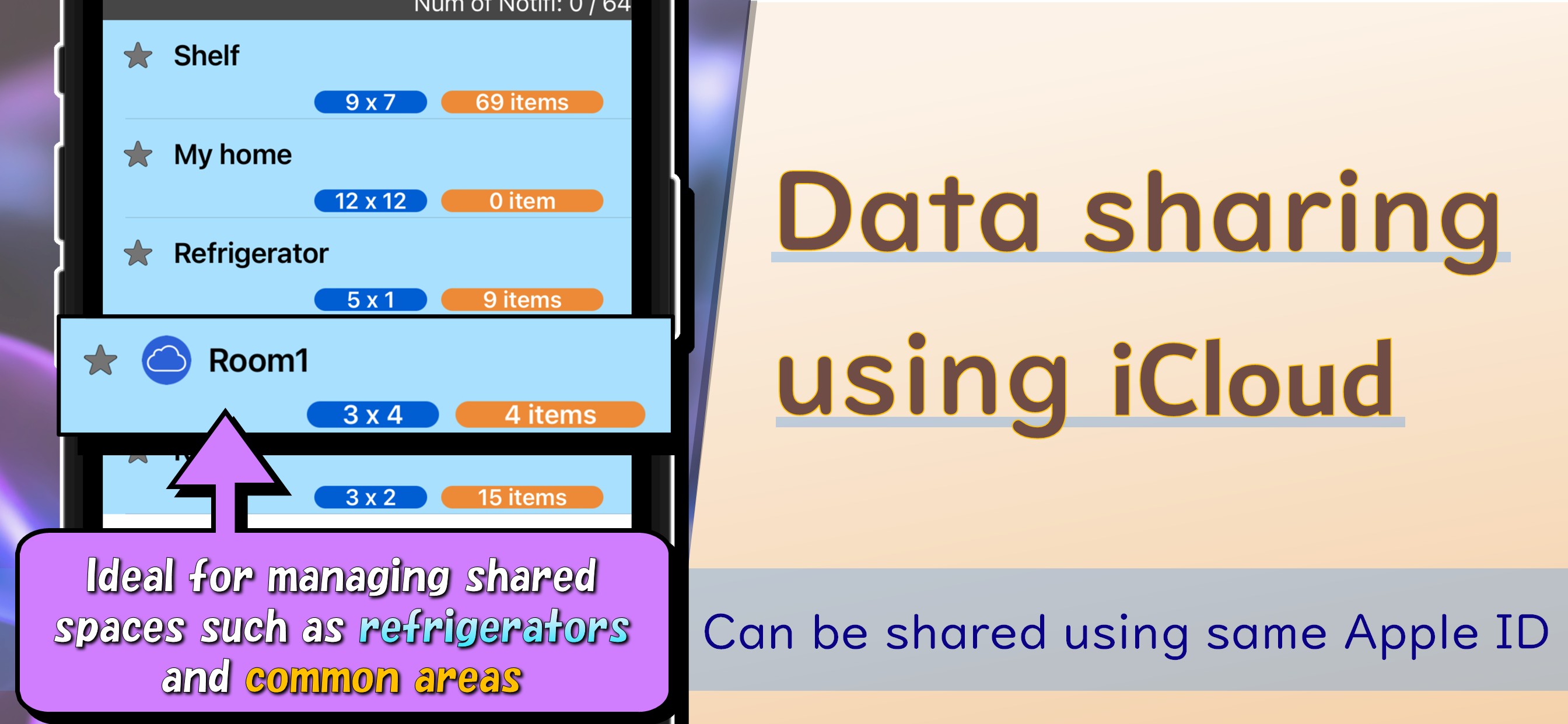
- iCloud function
Floor information can be shared between different iOS devices using the same Apple ID.
This allows you to quickly share things and tile color data, or leave them as a backup.
- Export function
This is a text-based function that allows you to share things and tile color data.
It is possible to share information with other users of FloorInfo and use it as a backup.
- Tips(You can check how to operate with one touch!)
Don't worry if you don't know how to operate!
You can instantly check the operation method by tapping "Tips" at the bottom right of the screen.