

Description
■ Features
▼ Hierarchical Task Management
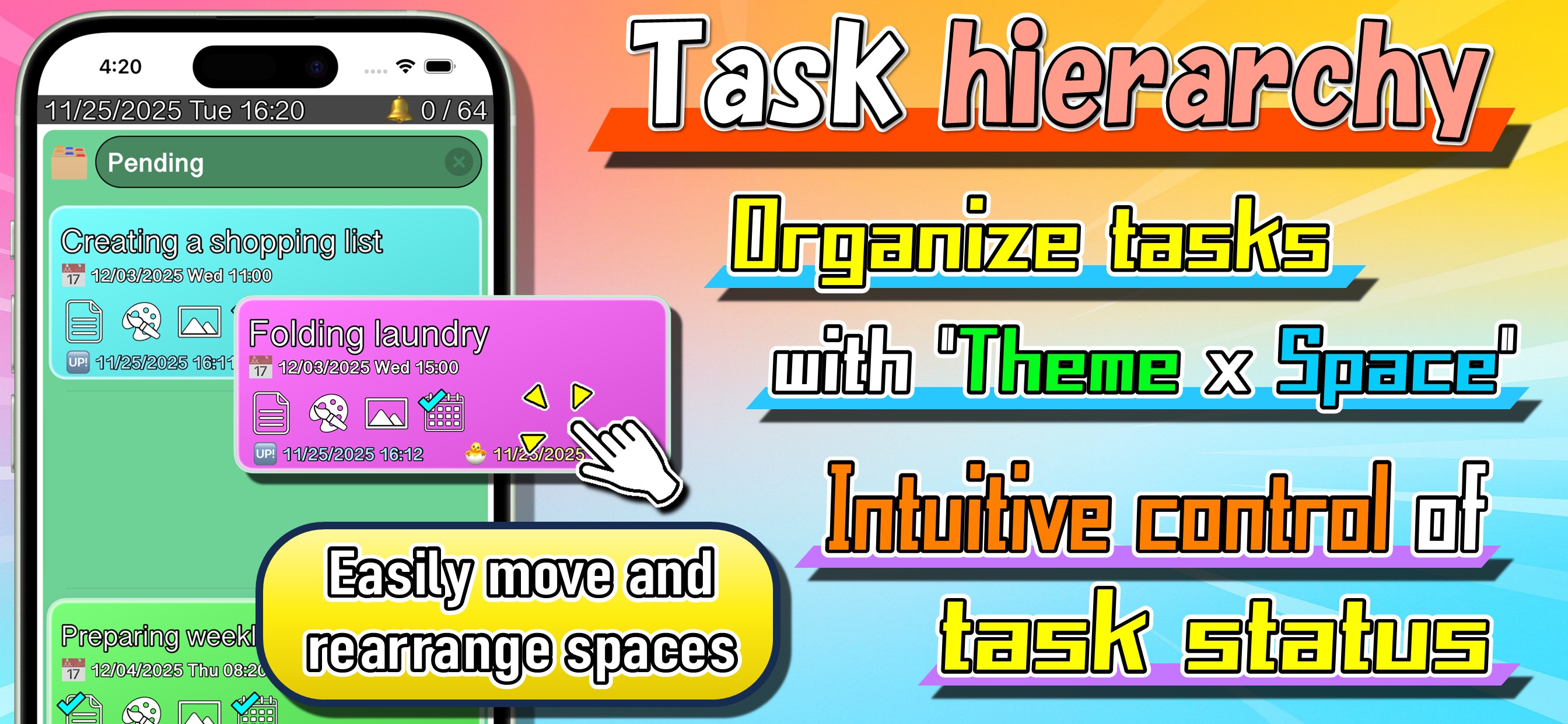
Use Themes to categorize tasks by topic, and Spaces to sort them by status.
You can also create subtasks within tasks, allowing you to break down and manage each task’s content and progress individually.
▼ Move Tasks Between Spaces
Sort tasks by status—pending, in progress, or completed— and instantly see where everything stands.
Drag & drop to move tasks between spaces, making it easy to track what’s done and what’s still pending.
Subtasks can also be moved between spaces, giving you even more flexible control.
Spaces are freely customizable, with up to 10 spaces per theme.
▼ Timeline View
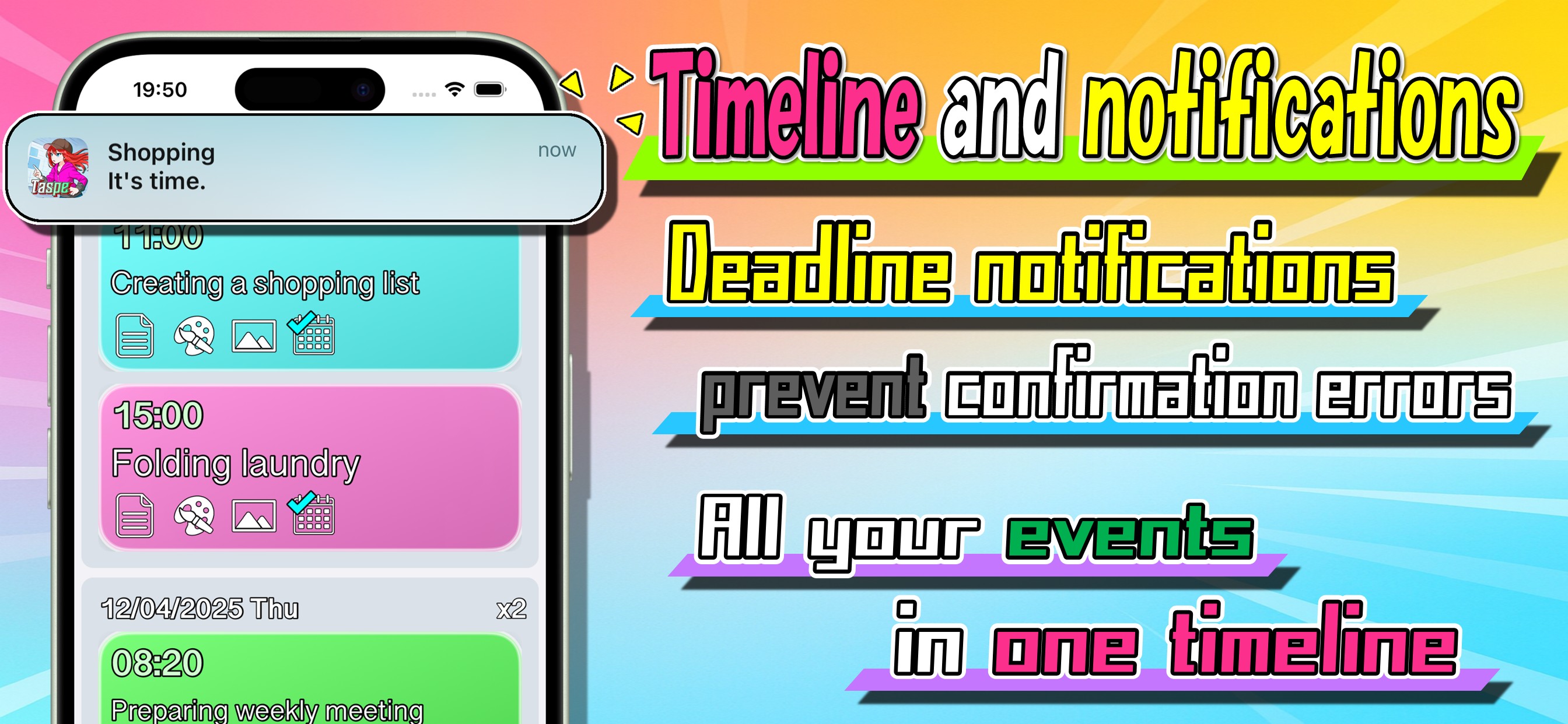
Set deadlines for tasks and view them all on a unified timeline.
Check the timeline to instantly see what’s coming up next.
▼ Notification Settings
Enable notifications for tasks to receive alerts when deadlines arrive.
▼ Theme Search & Filtering
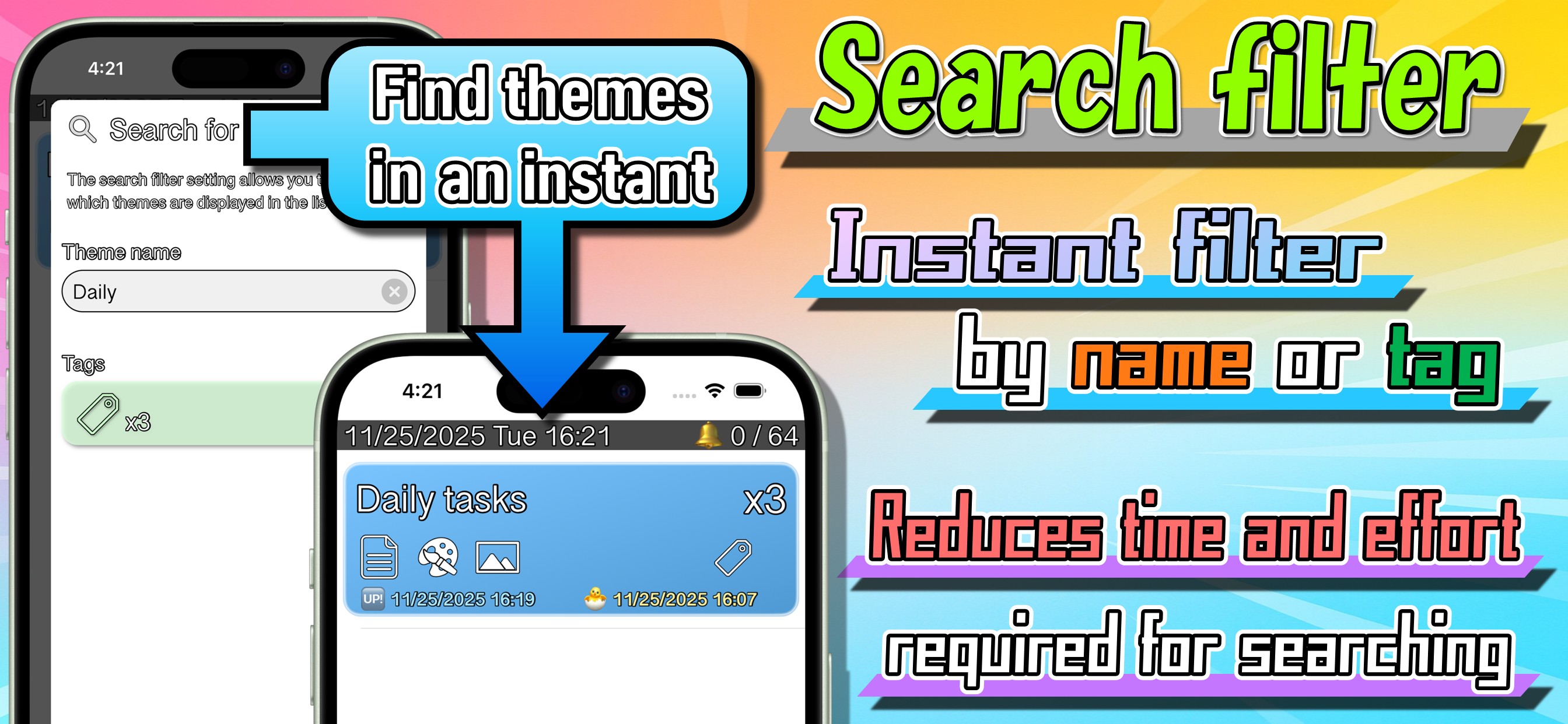
Quickly find themes with keyword search and organize them using tags by category.
Especially useful as your theme list grows.
▼ Memo
Add memo to Themes, Spaces, and Tasks to record details and context.
Perfect for reviewing later and staying organized.
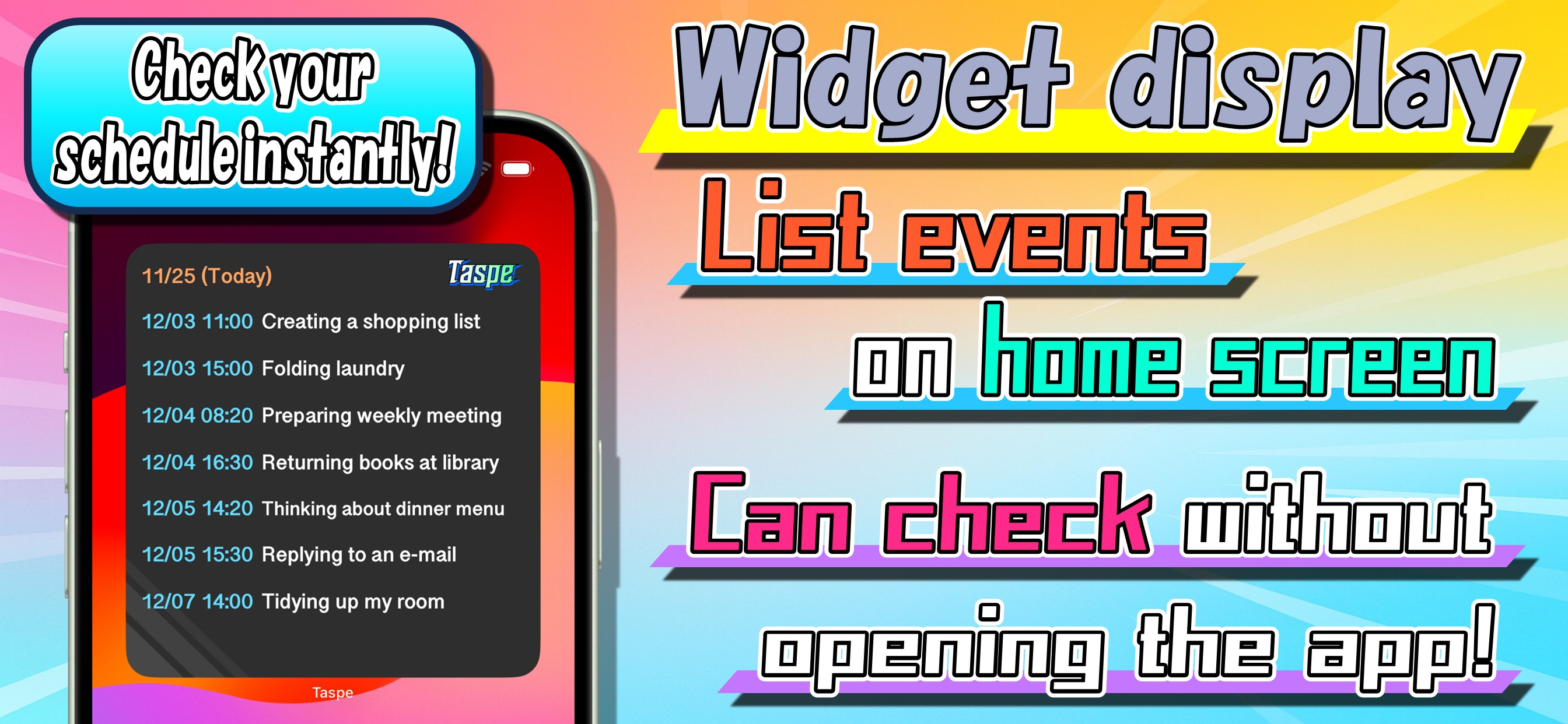
▼ Widget Display
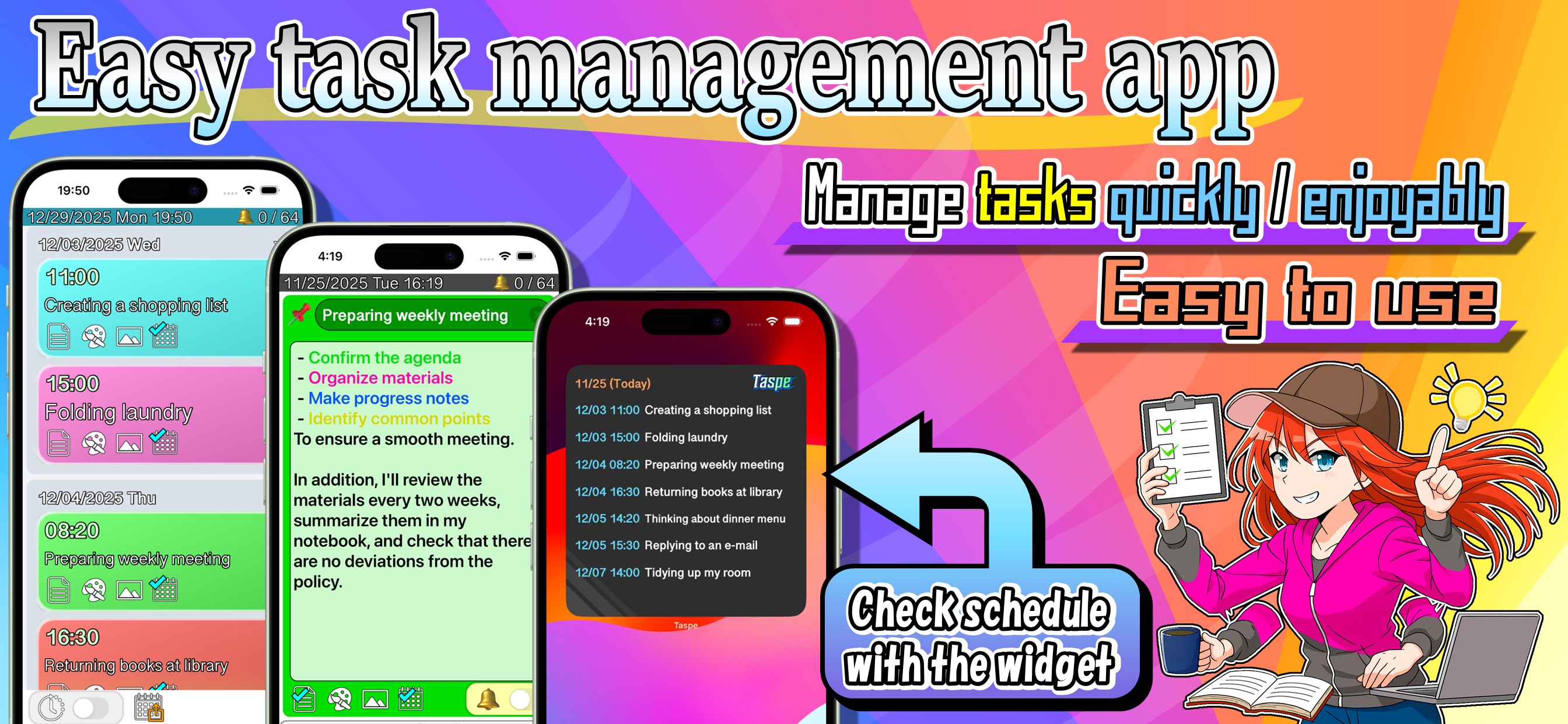
Upcoming tasks with deadlines are shown in a list on your home screen widget.
Display count depends on widget size:
Small: 1 task
Medium: 3 tasks
Large: up to 7 tasks